
Neon desert pursuit
Low tracking shot, suspended dust, controlled speed.
Direct the camera, action, atmosphere, and sound. The Seedance AI video generator turns that intent into a short, reviewable clip.
Task state and the generated video appear here.
Choose a mode, write a prompt, and submit a task. The playable result will replace this panel.
Four visual directions you can inspect, adapt, and send back to the composer.
Low tracking shot, suspended dust, controlled speed.
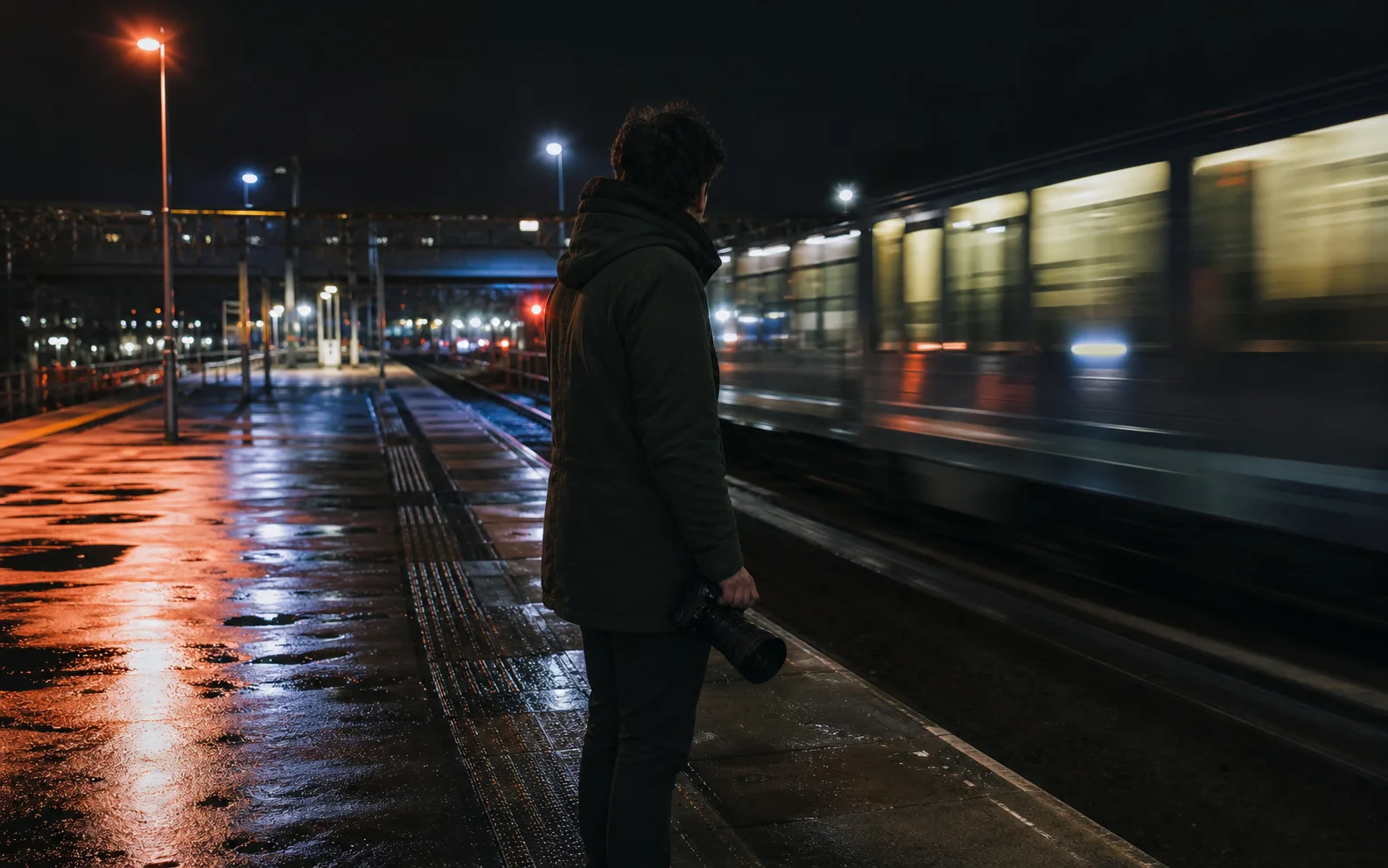
Quiet platform movement with documentary light.

Material details, soft daylight, deliberate camera arc.

Precise macro inserts and a measured reveal.
The generator is the working page for a real task, not a keyword demo. Choose the input that already contains the most reliable information, direct one observable shot, and treat the live controls as the source of truth for this submission.
Start without a source image when the scene can be described precisely. Define the subject, setting, framing, one action, one camera movement, atmosphere, sound direction, and details that must not change.
Read the text-to-video workflowUse an approved start frame when appearance and composition are already settled. Spend the prompt on movement, camera direction, environmental motion, and preservation constraints instead of redesigning the image.
Prepare an image-to-video taskKeep instructions in a stable order and change one variable per retry. Save the successful prompt with its model entry, mode, ratio, resolution, duration, sound choice, and references so the result can be reviewed or repeated.
Use the prompt frameworkAvailable values can change by enabled model and creation mode. Review the selector and the task estimate immediately before generation; this workspace does not turn a vendor announcement into a promise for every account or region.
Review current task limitsA short preflight prevents most avoidable retries and makes each completed result easier to evaluate.
Use text for a fully described scene, image mode to animate a stable frame, or reference remix only when the named visual or audio material is essential to the direction. Upload only material you have the right to use.
Describe one visible action and one compatible camera move. State the subject, environment, pace, light, sound intent, and preservation constraints without stacking contradictory transitions or camera commands.
Read the selected provider/model entry and the currently available ratio, resolution, duration, and sound controls. Confirm the displayed credit estimate and sign in when the task requires an account.
Inspect subject identity, geometry, camera path, background continuity, accidental text, audio, and the final cut. Keep the complete recipe and change one instruction at a time when a retry is needed.
Answers about access, free use, length, sound, and stored results are tied to what this independent workspace actually shows.
Try Seedance does not promise unlimited free generation or a permanent free plan. Check the current pricing page, checkout state, and your signed-in credit balance before submitting a task.
Choose only from the duration values visible for the selected model and mode. Availability and credit cost can change, so the live control is more reliable than an old search result or third-party tutorial.
Request generated sound only when the selected model exposes that option. Reference remix can also accept a supported audio reference; file requirements are shown beside the upload slot.
Try Seedance is currently provided as a browser workspace. This site does not publish a native desktop installer, iOS app, Android app, or APK, and cannot verify similarly named third-party downloads.
The result panel follows the active task. Signed-in users can revisit stored status and returned media in My library, then review the prompt and settings before creating another version.